
InterTune 0.12.5
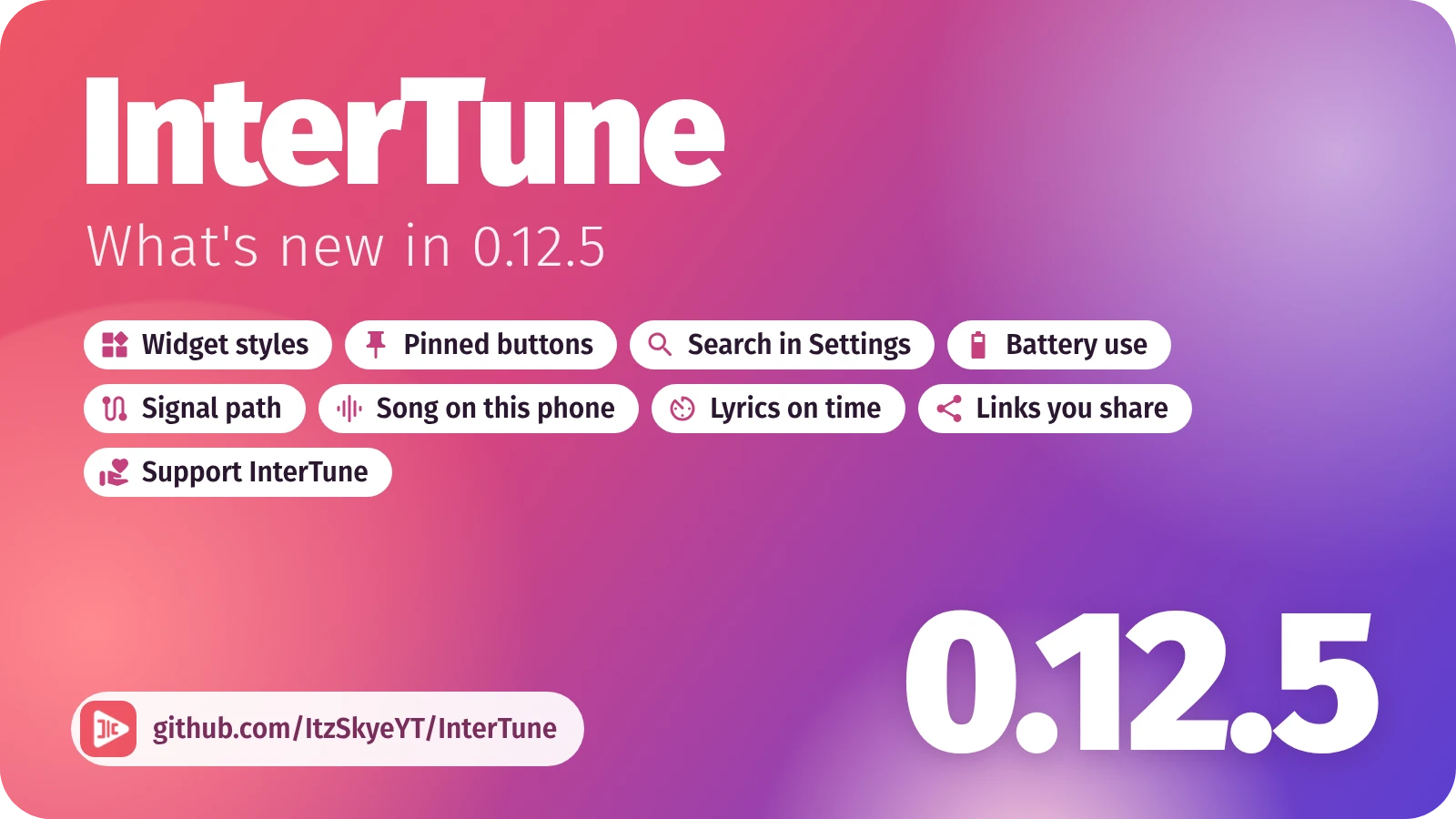
Three widget styles, your own player buttons, and a search in Settings.
The widget in three styles. Cover, Full cover or Shelf, picked in the widget's settings and laid out for every size. A heart beside previous and next likes the song playing (#45).
Your player buttons. Pick which of share, lyrics, the sleep timer and like stay on the player, or none, under Settings > Look and feel > Pinned buttons (#27).
Search in Settings. Find any setting by typing at the top, typos and all, and land on its row (#36).
Battery use. A new page in Settings. Full keeps everything as you set it. Balanced, where everyone starts, syncs your library every two hours, rebuilds Home's rows less often and calms the playing bars. Saver also turns sound effects off, shows a black theme at fewer frames a second, streams Low on mobile data and waits for Wi-Fi to sync or download. It comes on with the phone's battery saver unless you turn that off.
Signal path, in the player's menu, shows where the song comes from, in what quality, what changes its sound and where it plays.
Song on this phone. A Quick Settings tile names the song playing on your phone, even in a short video, with a notification that opens it in InterTune. Android 10 and later.
Lyrics on time. Synced lyrics change line the moment they are sung. Lyrics timing, in their menu, moves a song's lyrics earlier or later; Follow the song, under Settings > Lyrics > Advanced, lets them stay where you scroll.
Links you share. Your first share asks which link to send: the YouTube Music link, or a page where whoever opens it picks their own app. Later shares use your pick; change it under Settings > Library and content.
Playback
- A song YouTube refuses every usual way can still play over SABR (Server-Adaptive Bitrate), the way YouTube's own apps stream, thanks to InnerTubeX, and loads ahead to its end and the next song.
- Signed in, a song other sources call unavailable is asked of your account first.
- The first song after opening the app, and the song after Next, start sooner.
- Music in the background wakes the processor and the network far less often.
Fixed
- Crashes: opening the player on its side over an artist's page on Android 10 and older (#38), downloads that had to wait (#43), the list of queues (#46), and Next on a paused song with the lyrics open.
- The scrollbar follows the finger without shaking or jumping back (#34).
- With shuffle on, a song tapped in a list plays first and the rest stays shuffled; songs added with Play next stay next (#42).
- A folder sorted by track number puts an album in order, disc by disc (#39).
- The queue opens at the song playing, and a scroll or a small pull no longer closes it.
- The lock screen shows the song's cover, never the app's logo.
- A download notification opens Downloaded songs, and its bar counts the whole run.
- Downloads go into the folder set in Storage and downloads as they finish, not only when moved with Migrate.
- In power saving, Living blur no longer stands still without a word: Battery use decides, and Settings says so (#49).
Smaller things
- Back from the queue closes the player, a switch in Look and feel (#30).
- A song link opens the song in its album instead of playing it at once.
- Report a problem tells more about the connection, battery and playback, and Open the form works again with a long log.