
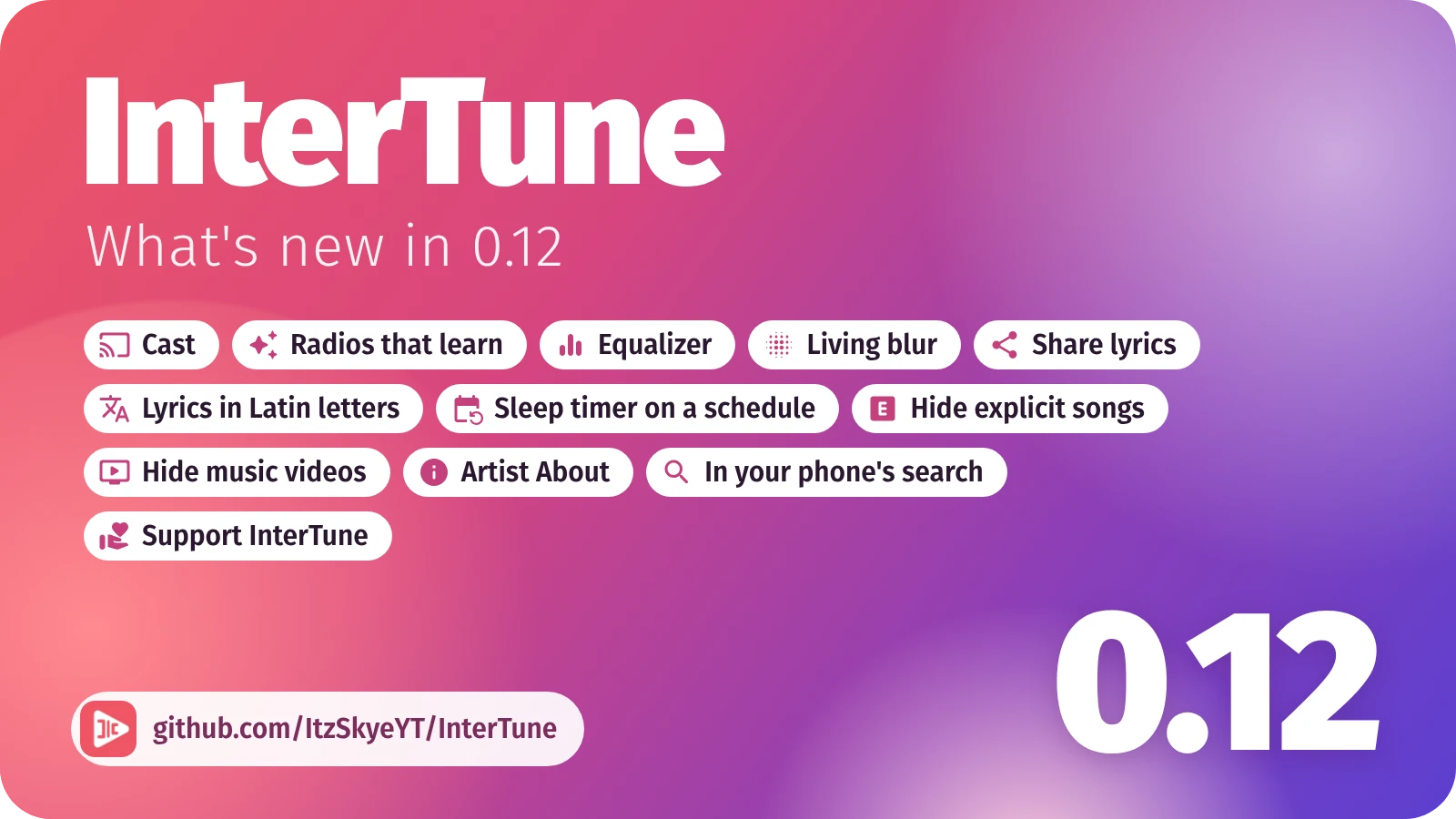
Cast to a TV or speaker. A pill under the player's controls says where the music is playing. Tap it to send the music to a Chromecast or Google TV, to a TV or computer running the FCast Receiver app, or to a DLNA TV or speaker on the same Wi-Fi, and set the receiver's volume from there. The phone stays awake and sends the music while it casts.
Radios that learn as you listen. On a radio or a mix, the songs further down now change with what you do. Skip two songs by one artist and the rest of theirs make way for new picks like the songs you let play. Like a song and two songs like it join right after the next two. What you keep skipping over the days counts too. The next few songs never change, nothing moves while the queue is open, and a playlist or album you chose plays exactly as chosen. A line in the queue says what changed, and new picks are marked. Settings > Player and audio > Keep radios up to date.
Equalizer. Ten bands from deep bass to the top of the treble, a few ready curves, or the curve measured for your own headphones by AutoEq. Settings > Player and audio > Equalizer.
Living blur. The player's background can now move with the music: it breathes with the song and glows round the cover on every beat. Pick it under Settings > Look and feel > Player background style, where its strength, smoothing and colours can be tuned while a song plays.
Share lyrics. From the lyrics' menu, copy the lyrics, share them as text, or tap the lines you want and send them as a picture over the song's colours, or as a video of up to a minute with the song playing.
Lyrics in Latin letters. Lyrics in Japanese, Korean, Chinese, Russian and some other scripts can show a second line in Latin letters. Turn it on under Settings > Lyrics > Show in Latin letters.
A sleep timer on a schedule. The sleep timer can start by itself every day from a time you choose, for as long as you choose. Settings > Player and audio > Sleep timer on a schedule.
Hide explicit songs and music videos. Two switches under Settings > Library and content, Hide explicit content and Hide music videos, keep them out of Home, search and artist pages. A song you pick yourself still plays.
About the artist. An artist's page has an About section: the description, the monthly audience and the subscribers.
InterTune in your phone's search. On phones whose own search looks inside apps, such as Samsung's, your songs, artists, albums and playlists show up there, then YouTube Music's. A queue started from the phone's search or Google Assistant is named after what you asked for.
Support InterTune. InterTune is free and has no ads. Settings > About > Support InterTune says how to donate, by a message on the Discord server, and thanks those who already gave.
Fixed
- On a Samsung phone, an update that Auto Blocker stops no longer looks like nothing happened: the update prompt says so, opens Auto Blocker for you, and keeps the download for the next try. Still on an older version? Turn Auto Blocker off for a moment under Settings > Security and privacy > Auto Blocker to install this one, then back on if you like.
- "What's playing?" recognises songs that are sped up or slowed down when you tap Listen once: when Shazam knows nothing of what it heard, it asks again with the sound put back to its usual speed.
- Signed in, songs only an account may play, such as age-restricted ones, play again: they are asked through YouTube Music's web client, which YouTube still answers.
- Signing in no longer stops on "Webpage not available" when Google ends the sign-in with a link to the YouTube Music app (#28).
- A radio no longer brings back a song it already played, and a radio YouTube answers with only its own song goes on from the songs related to it.
- Toggle lyrics in the player's menu always sticks, and the buttons over the lyrics have names for TalkBack.
- The Blur background is blurred once per cover instead of on every frame, which saves battery.
- Rows that are a single switch, such as Keep listening, read as one switch with TalkBack.
- With Liquid glass on, the close button of the page that shows what is new is frosted over the page.
- Turned on its side, Home and the other pages no longer start under the tabs on the left.
- InterTune no longer offers itself in its own share sheets.
- Pressing back several times quickly no longer slows the panels down: each press goes on to what is under them (#31).
- A song YouTube no longer serves says so plainly instead of "Source error 2000", and InterTune looks for another upload of it (#29).
- Seeking back into a song's opening brings the lyrics back to their start.
- When the music stops without you asking, the app notes why, and Settings > About > Submit a bug report shows the last five such stops, ready to paste into the report.
- After the app is closed and opened again, a radio still shows the songs it already played.
- The Search lyrics box shows its search fields again, and boxes for typing a name show their field with the phone on its side.