
TwinDesk 3.0: now on iPhone, iPad and any browser
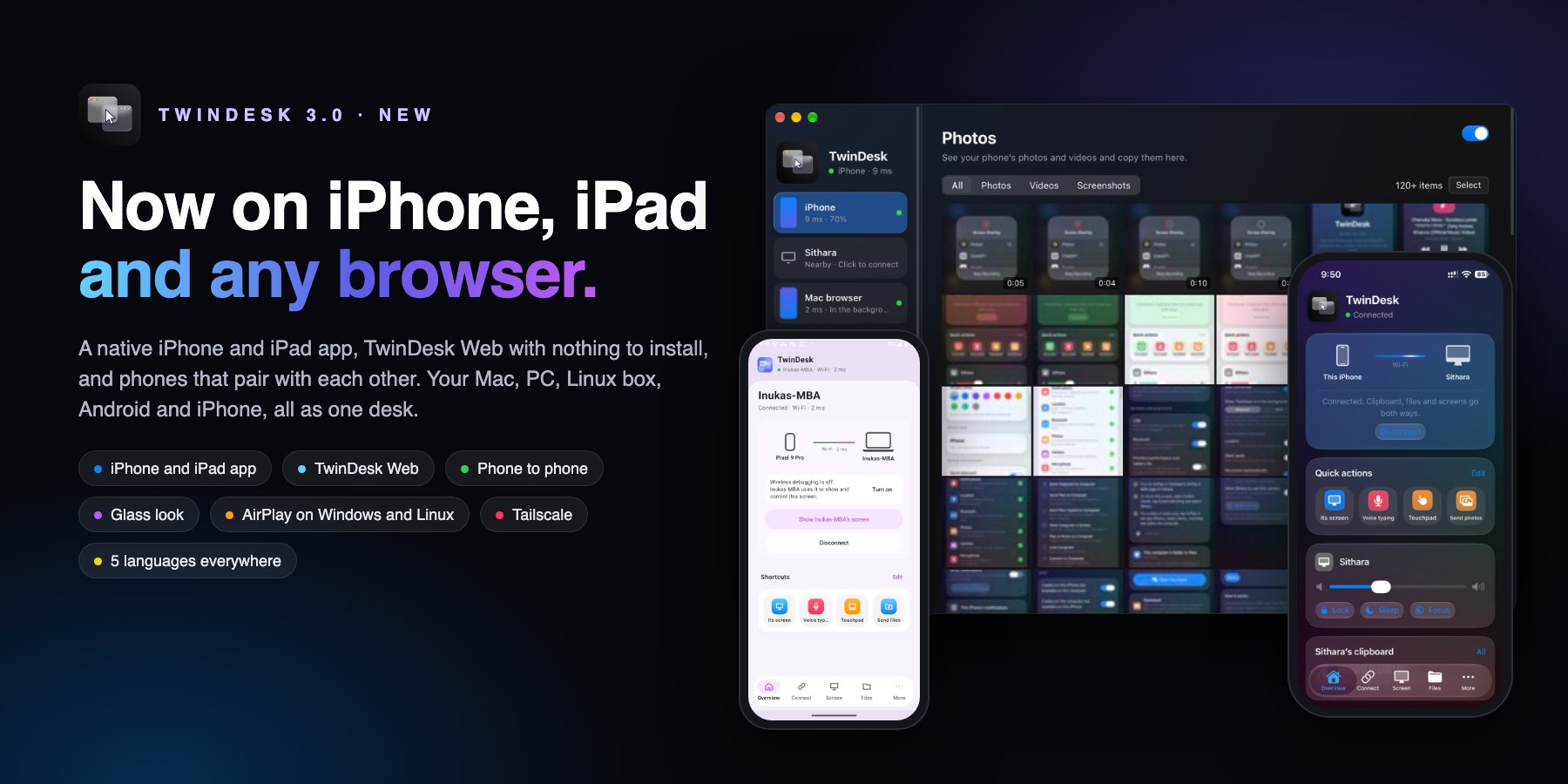
The biggest TwinDesk release so far, and the first new major version. TwinDesk now has a native app for iPhone and iPad, TwinDesk Web for any device with a browser (nothing to install), and phones that pair with each other: Android to Android, iPhone to iPhone, and Android to iPhone. The computers get a Glass look, AirPlay on Windows and Linux, Tailscale, and five languages on every app.
⬇️ Download
| Device | File |
|---|---|
| Windows (Intel / AMD) | TwinDesk-Setup-3.0.0.exe
|
| Windows (ARM) | TwinDesk-Setup-3.0.0-arm64.exe
|
| Mac (Apple silicon, M1 and later) | TwinDesk-3.0.0-arm64.dmg
|
| Mac (Intel) | TwinDesk-3.0.0-x64_Intel.dmg
|
| Mac (Homebrew) | brew install --cask inukaasith/twindesk/twindesk
|
| Linux (any distro) | TwinDesk-3.0.0-x86_64.AppImage
|
| Linux (Debian / Ubuntu) | TwinDesk-3.0.0-amd64.deb
|
| Linux (Arch) | twindesk-bin-3.0.0-1-x86_64.pkg.tar.zst
|
| Android | TwinDesk-3.0.0.apk
|
| Android (full: notification access, SMS, Accessibility) | TwinDesk-3.0.0-full.apk
|
| iPhone and iPad (sideload) | TwinDesk.ipa
|
| Any browser | Turn on TwinDesk Web on a computer, then type twindesk.local
|
Already have TwinDesk? The in-app updater picks the right file for your computer. Update every device you pair: 3.0 still talks to 2.5, but the new features switch on only when both sides have 3.0.
Windows: the installers aren't code-signed yet (signing is on its way). If SmartScreen stops it, choose More info › Run anyway.
iPhone and iPad: the IPA is unsigned. Install it with SideStore, AltStore or any signing tool, which signs it with your own Apple ID. An App Store release is what sponsoring pays for.
📱 TwinDesk for iPhone and iPad
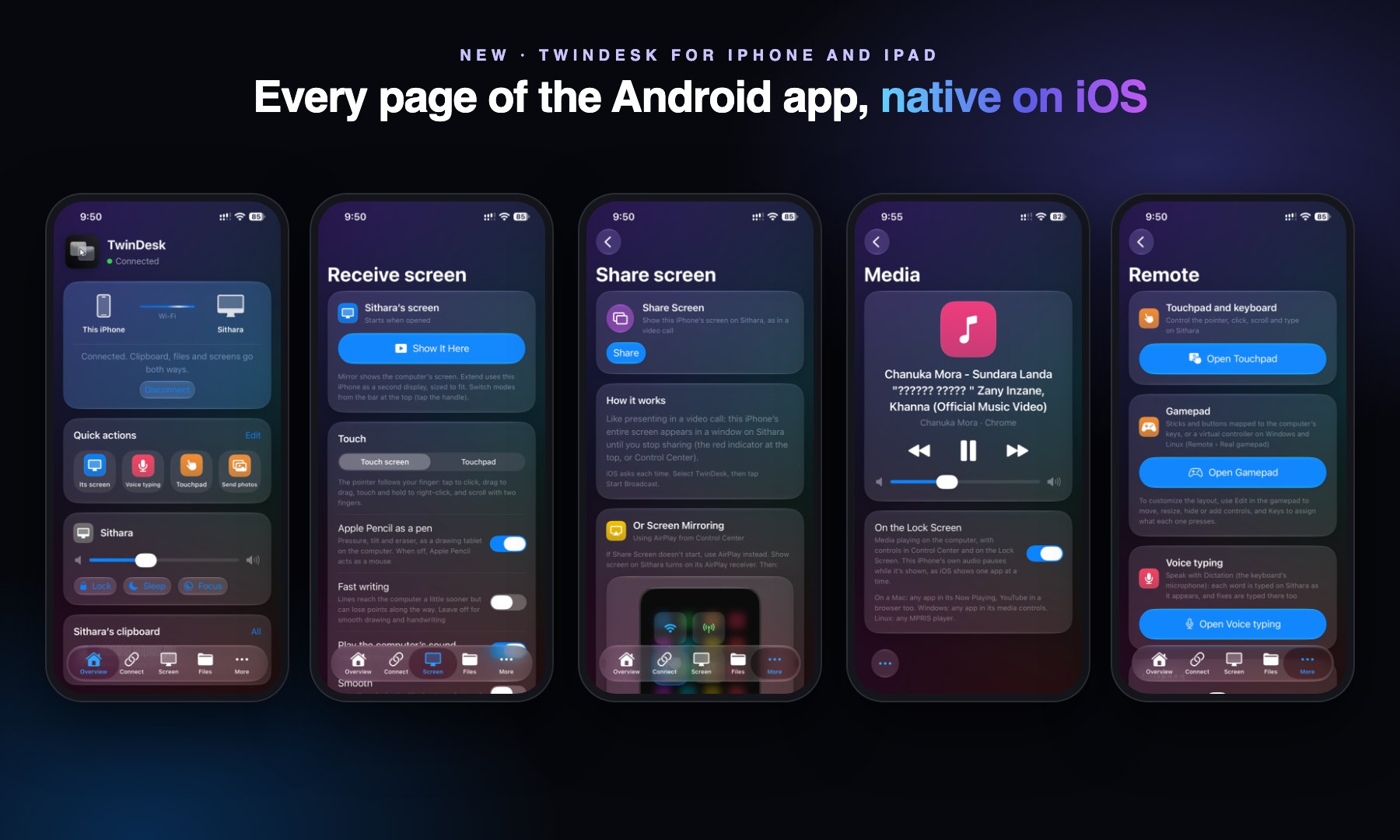
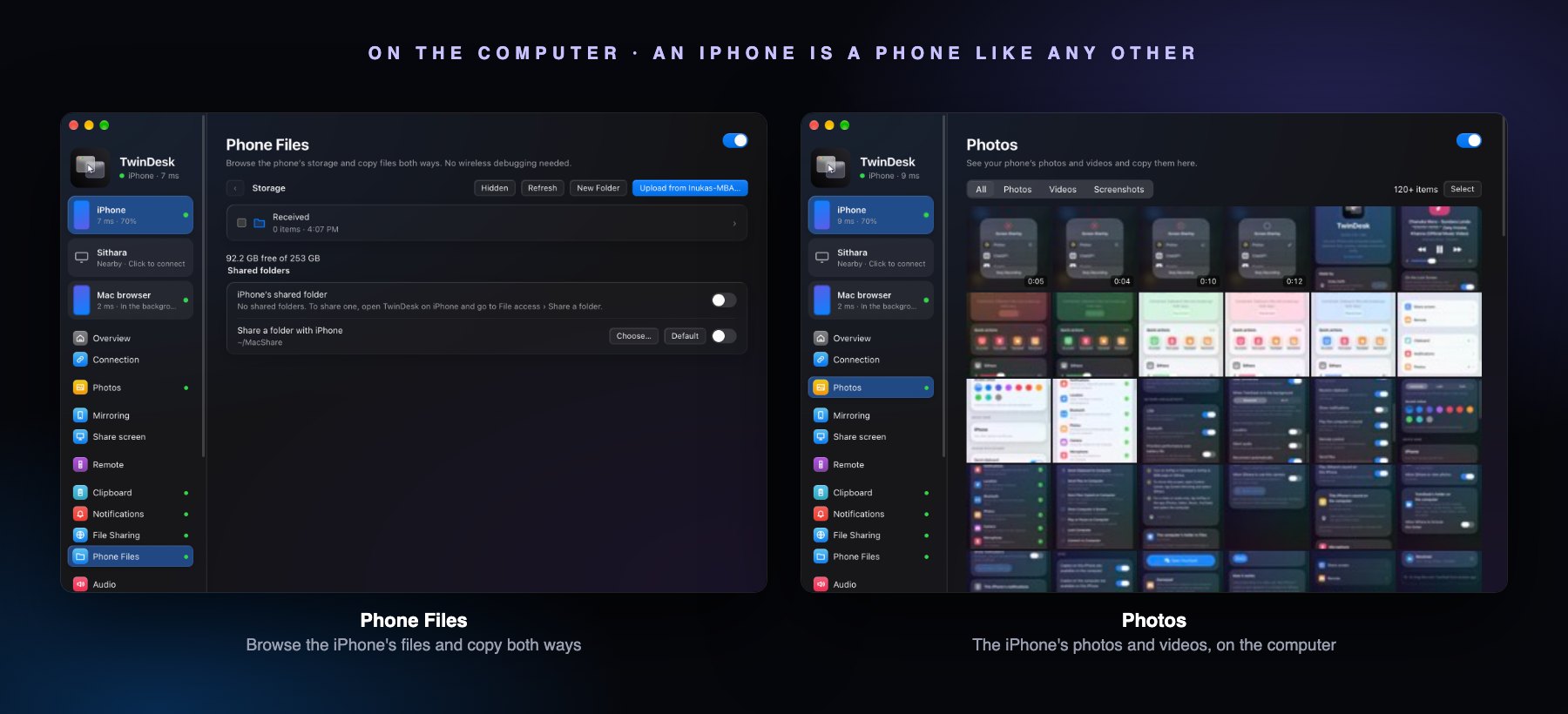
A native SwiftUI app with the Android app's pages, and an iPhone is a phone on the computer like any other.
- The computer's screen on the iPhone or iPad, mirrored or as a second display, with touch, a touchpad mode, and the Apple Pencil as a pen with pressure, tilt and eraser.
- Share Screen: the whole iPhone screen in a window on the computer, every app, like presenting in a video call. Or Screen Mirroring to the computer's AirPlay receiver.
- Files both ways on fx2 (four parallel ranges, hashed as they stream), Send to Computer in the share sheet, and the computer's folder in the Files app.
- Photos on the computer: its Photos page shows the iPhone's photos and videos, newest first.
- Clipboard both ways, the computer's notifications, its sound on the iPhone, the iPhone's camera and microphone on the computer.
- Remote: touchpad and keyboard, gamepad, voice typing. Media: what plays on the computer, with artwork, on the Lock Screen too.
- Pair over Wi-Fi, the USB cable or Bluetooth. Off screen the session moves onto Bluetooth, and back to Wi-Fi when TwinDesk opens.
- Shortcuts and Back Tap: send the clipboard, send files, show the computer's screen, lock it, play or pause.
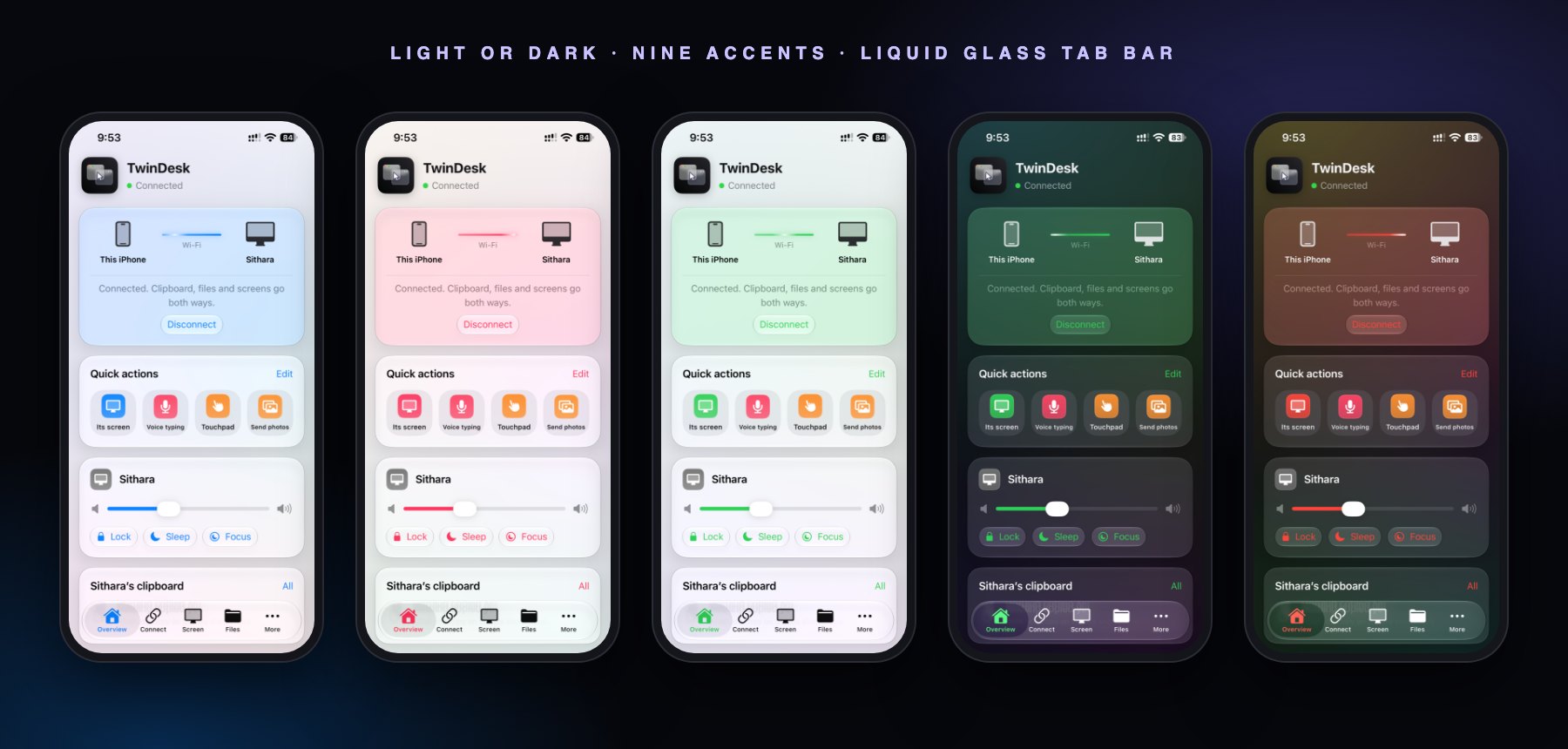
- iPhone gets a tab bar (Liquid Glass on iOS 26). iPad gets a sidebar, two columns, drag and drop and keyboard shortcuts.
- Works with Mac, Windows and Linux, and in Multi-device mode on all three.
🌐 TwinDesk Web: nothing to install
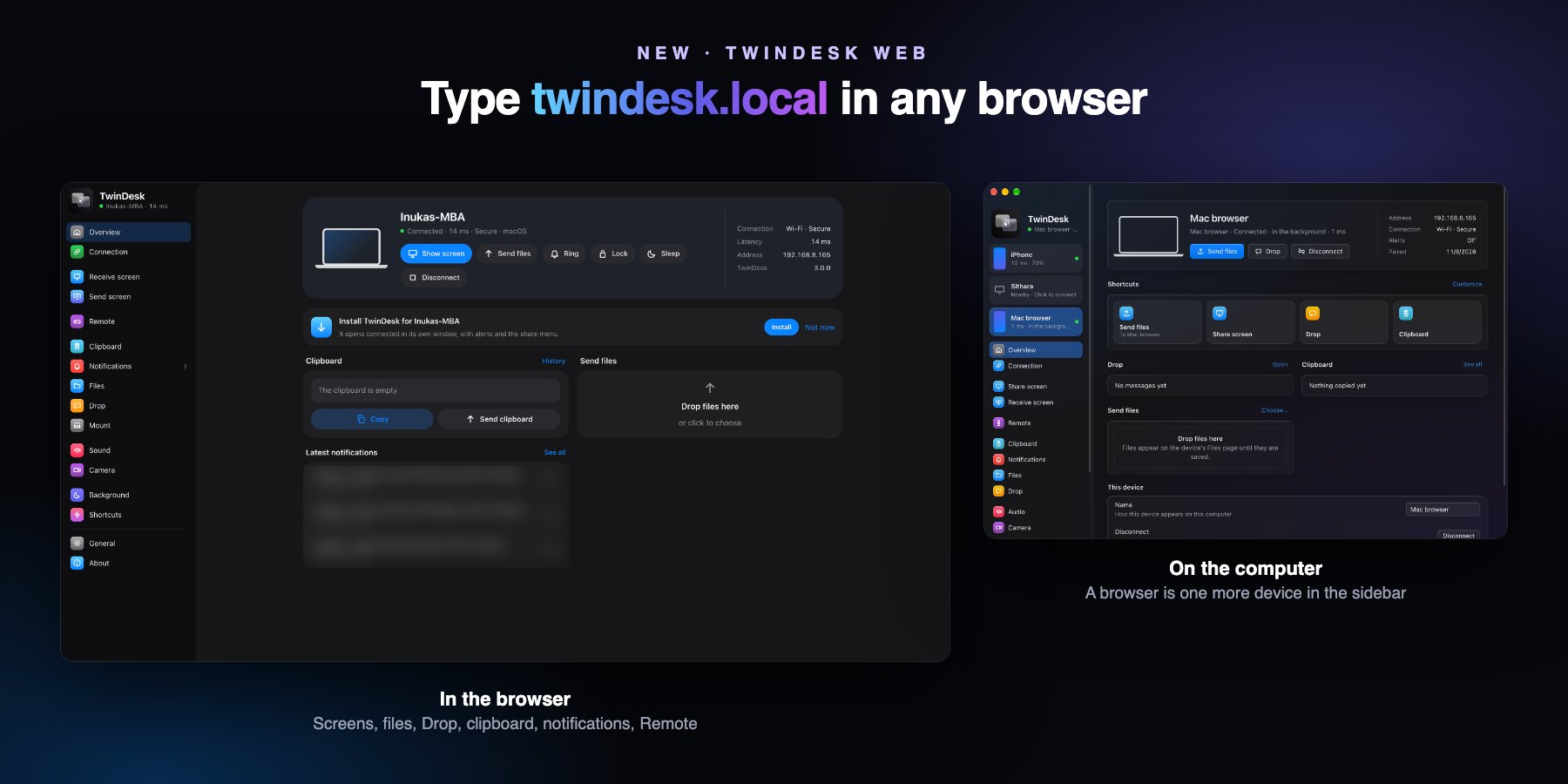
Turn on TwinDesk Web on any computer, type twindesk.local in the browser on an iPhone, iPad, laptop or any other device on the network, and pair once with the QR code or the code.
- Receive the computer's screen (Mirror or Extend), control it, play its sound. Send screen through AirPlay.
- Files and Drop, the clipboard, the computer's notifications as alerts or Web Push (sent by the computer itself, no server), Remote, Camera and microphone.
- Add to Home Screen and it runs like an app, in the computer's look, with Shortcuts actions.
- On Mac, Windows, Linux and in Multi-device mode. When several computers run it, a picker shows them all.
🤝 Phone to phone
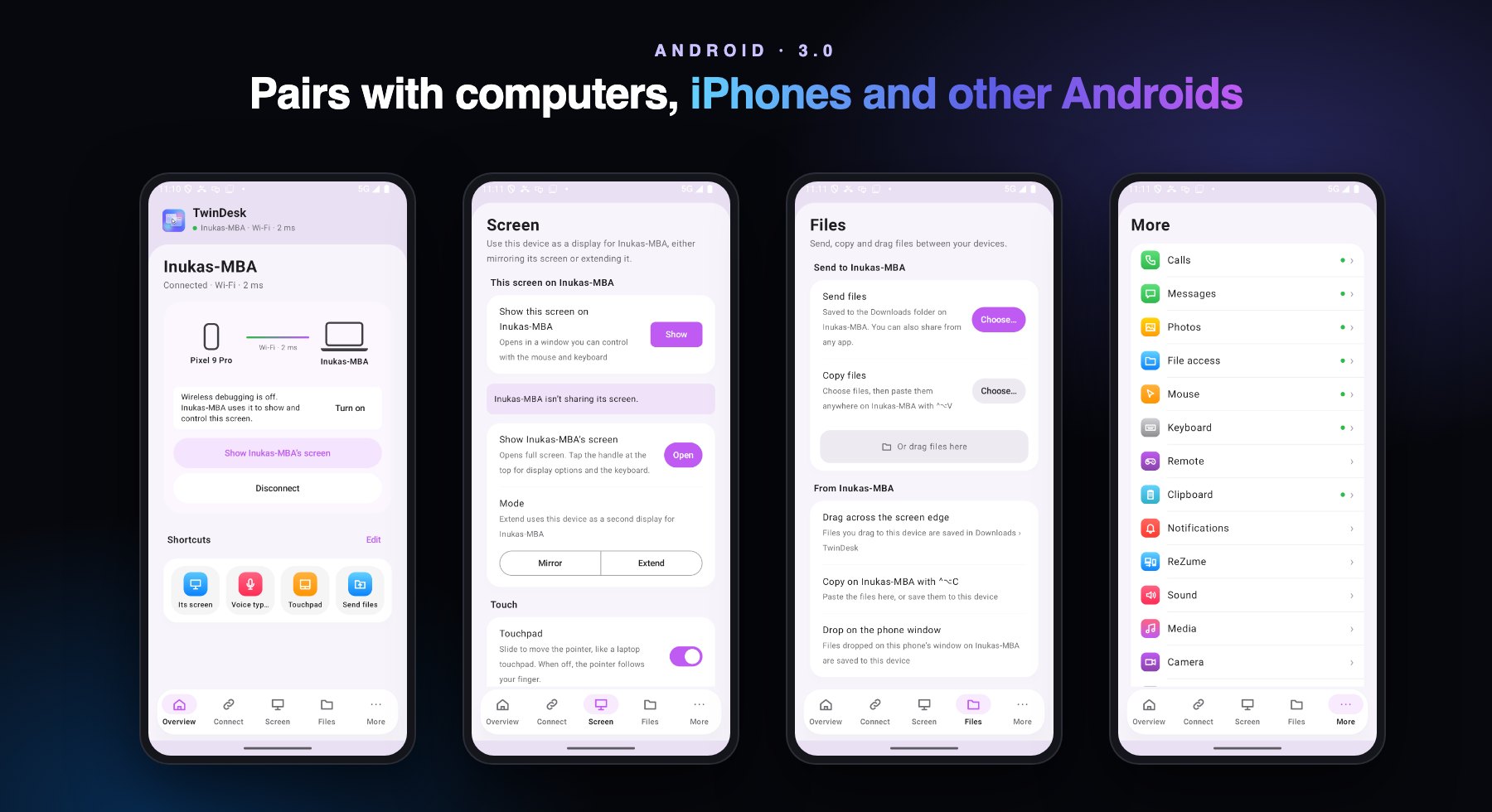
- Android to Android, iPhone to iPhone, Android to iPhone: pair two phones like a computer, then share the clipboard, notifications, files both ways, photos, messages and screens.
- Either phone can host. A phone-to-phone session takes the place of the computer's while it lasts.
🖥️ On the computers
- Glass look: General › Appearance › Style (Glass, the default, or Simple). The accent's soft gradient sits behind the window.
- Receive AirPlay on Windows and Linux: screen mirroring from an iPhone, iPad or Mac, with sound.
- Tailscale (#161): off the local network, devices reach each other over Tailscale when discovery can't see them.
- Mouse and keyboard over Bluetooth (#158, off by default): for crowded Wi-Fi, input rides Bluetooth while screens and files stay on Wi-Fi.
- The phone keyboard as a real USB keyboard (#123, off by default): keys come out in the layout set on the phone, symbols and accents included.
- Pens in screen viewers: a stylus, a drawing tablet or an Apple Pencil over Sidecar is a pen on the other computer, with pressure, tilt and eraser. Real multitouch on Windows.
- Screens: 4K, Playback › Steady, a frame-rate cap. Resolution is shared with phones.
- Now Playing on a Mac: what plays in any app, with its artwork, for the phone.
- Linux, KDE Plasma on Wayland (#69): the Screen page shows how to extend with krfb-virtualmonitor.
- Each kind of device has its own pages: a computer's, an Android phone's, an iPhone's or iPad's.
🌍 Five languages, every app
English, Simplified Chinese, Russian, Turkish and Brazilian Portuguese (thanks to Jairo Abreu, #156), on Mac, Windows, Linux, Android, iPhone and TwinDesk Web, with flags in every language picker.
🔋 Battery and files
- Idle links go quiet (#143): no pings every second while nothing is in use, so phones and laptops can sleep. General › Connections › Prioritize performance over battery life brings them back.
- Every feature is off until you turn it on on a new install. Settings you already saved keep their values.
- fx2 on demand, Engines in use in General › Advanced (what this session uses now, and the way back when a faster one can't be), and Files › Send files › Cancel.
🔒 Hardening (#154)
- Pairing locks out an address after 5 failed attempts in 10 minutes, on the computers and the phones. A QR link pairs only once and can't re-point a paired computer.
- At most 16 unauthenticated sockets per address, the oldest goes first. Forget ends a pairing still in progress.
- The wireless-debugging shortcut on Android can't be triggered by other apps. Windows downloads are pinned by SHA-256.
- A new SECURITY.md explains how to report a vulnerability and how sessions are protected.
🩹 Fixes
- A copy/paste shortcut or lock key no longer freezes input after the session falls back to Bluetooth.
- Linux: "Open at login" no longer feeds a crash loop through a dead terminal pipe (#172). crash.log is capped at 2 × 1 MB.
- Snapping irregular display groups, and permission resets that targeted another app.
- Windows and Linux: dropdown lists readable in dark mode.
Earlier releases: 2.5.3 notes (ReZume, the new look, tdv2 and fx2).