What's New
-
In the Live System Intelligence window, you now have the option to turn off the chart animations via a toggle.
- This is useful for low-end systems to reduce GPU usage.
-
Added a 3rd widget for the Windows widgets board: Network traffic
- You can pin this widget to the Windows widgets board and view the real-time network traffics of all of your network adapters. It supports all kinds of network adapters, including physical or virtual such as VPN, Hyper-V virtual switches or WIFI hotspots. You can display up to 2 network adapters stacked on top of each other in the widget for monitoring when you choose the large layout.

-
Improved the RAM usage of the widgets. Now even if all 3 widgets are pinned to the Windows Widgets board, their combined average RAM usage is only 5MB.
-
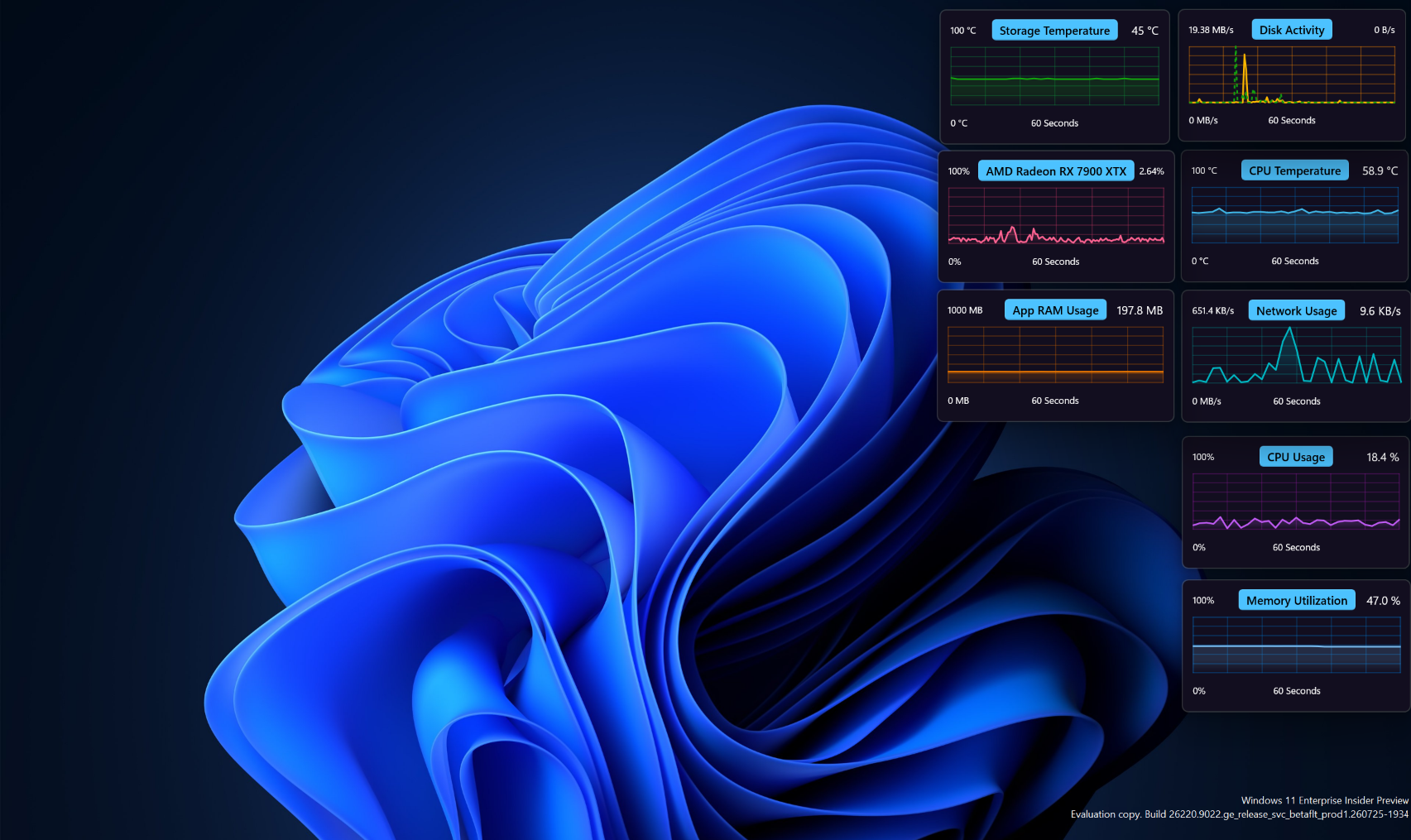
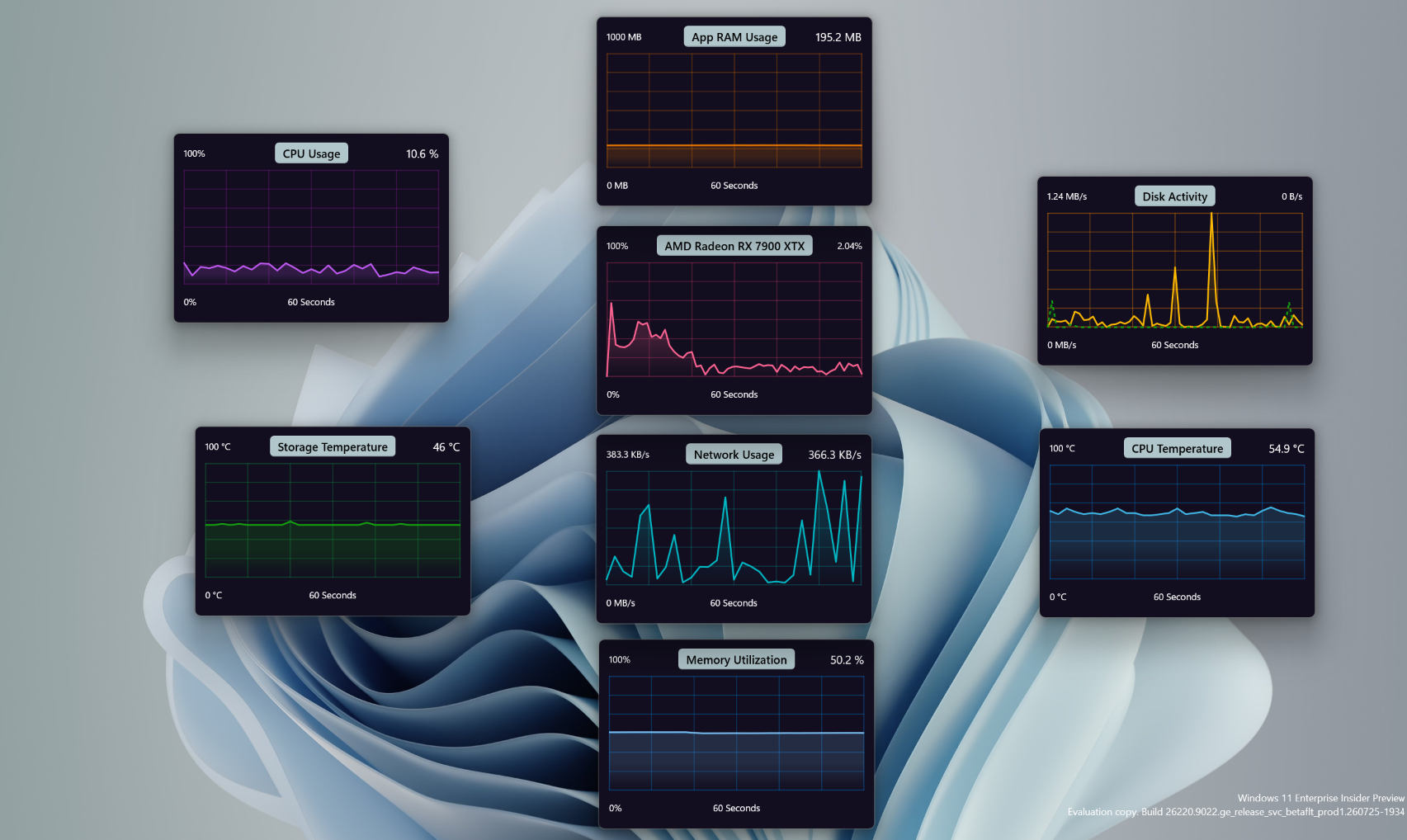
You can now pop out any chart from the Live System Intelligence page by clicking or tapping its name. The chart opens as a desktop widget that you can freely move and resize, allowing you to conveniently monitor your most important system metrics. They stay on top of other windows.