
What's New
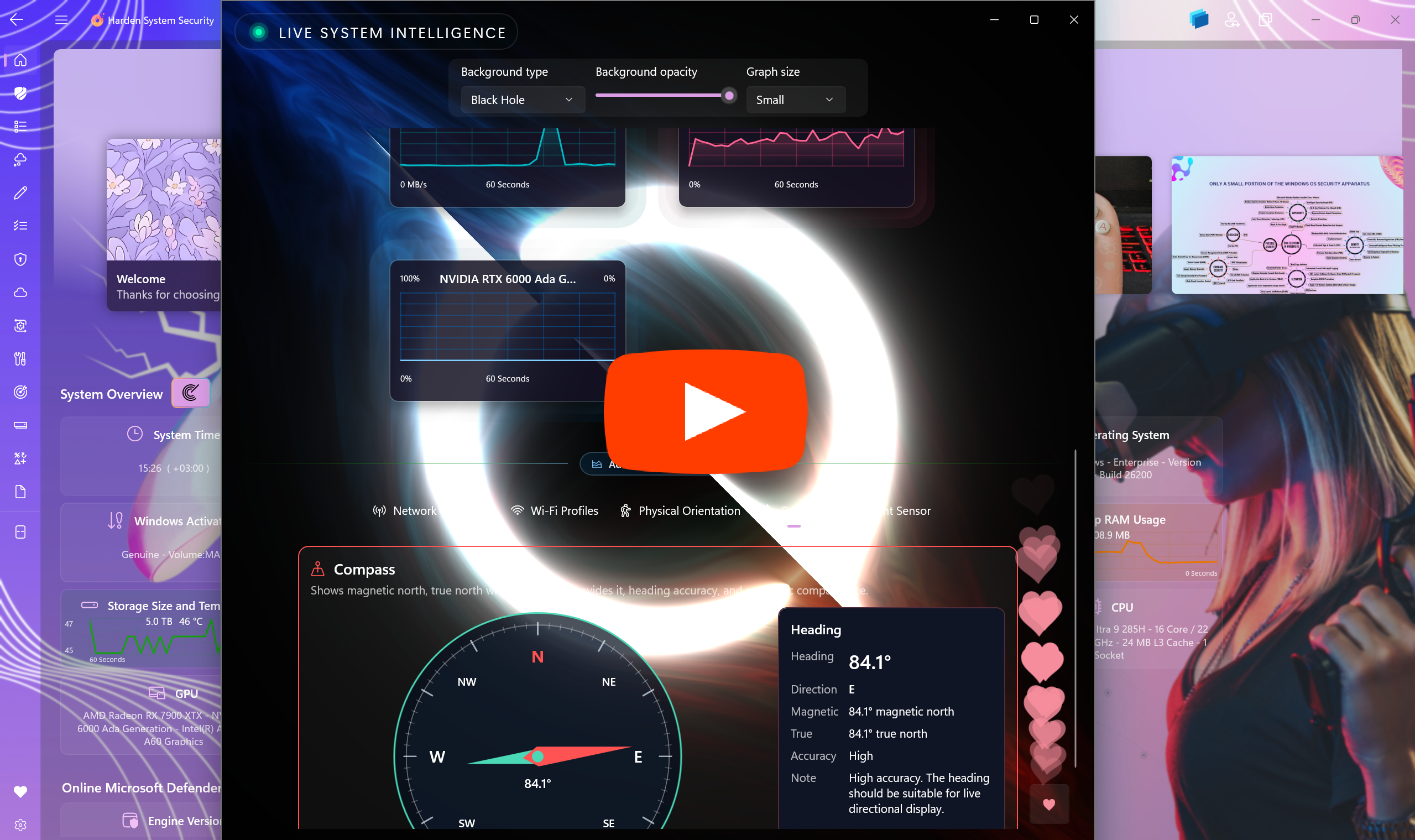
It's a YouTube video. Click to play it.
The Harden System Security app now includes a new section called "Live System Intelligence", accessible from the Home page. This section opens in a dedicated window and provides a rich set of real-time graphs and system insights, offering a detailed view of your device’s current activity and health.
The following metrics are presented through interactive graphs:
- System RAM usage
- Application RAM usage
- CPU usage
- GPU usage for all GPUs available on the system
- Disk read and write activity
- Network activity, including uploads and downloads
- CPU temperature
- SSD temperature
You can hover over any data point in the graphs to view historical values and better understand system behavior over time.
Below the real-time monitoring area, there is an additional section that provides several advanced features:
-
Network openness check: Evaluates how open your network is by testing access to websites across multiple categories. The results are displayed in the UI and combined into an overall score.
-
Wi-Fi profiles history: Lets you view detailed information about all Wi-Fi hotspots your device has previously connected to, including profiles that existed before a clean installation of the operating system.
-
Physical orientation: On supported hardware, displays the live physical orientation of your device in 3D space in real time.
-
Compass: On supported hardware, turns your device into an accurate digital compass.
-
Luminosity: On supported hardware, shows the brightness level of your surrounding environment and indicates how much light you are currently exposed to.
- Updated dependencies to the latest versions.